Anantak POS
A fast register for your counter.
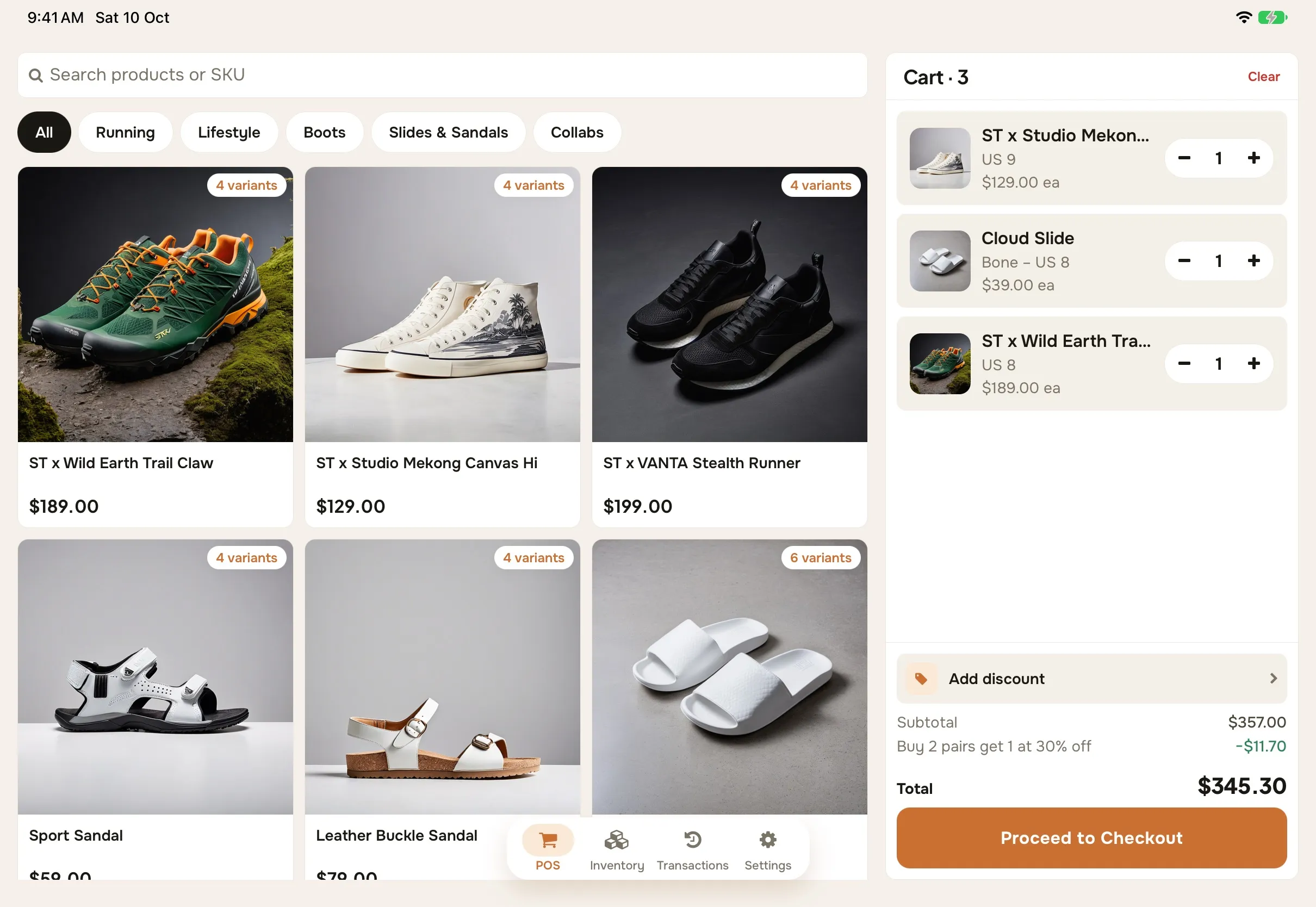
Ring up sales on an iPad, Android tablet or phone, take cash or KHQR, and send the receipt straight to the customer's chat.
What you get
Built for a busy counter
Quick checkout
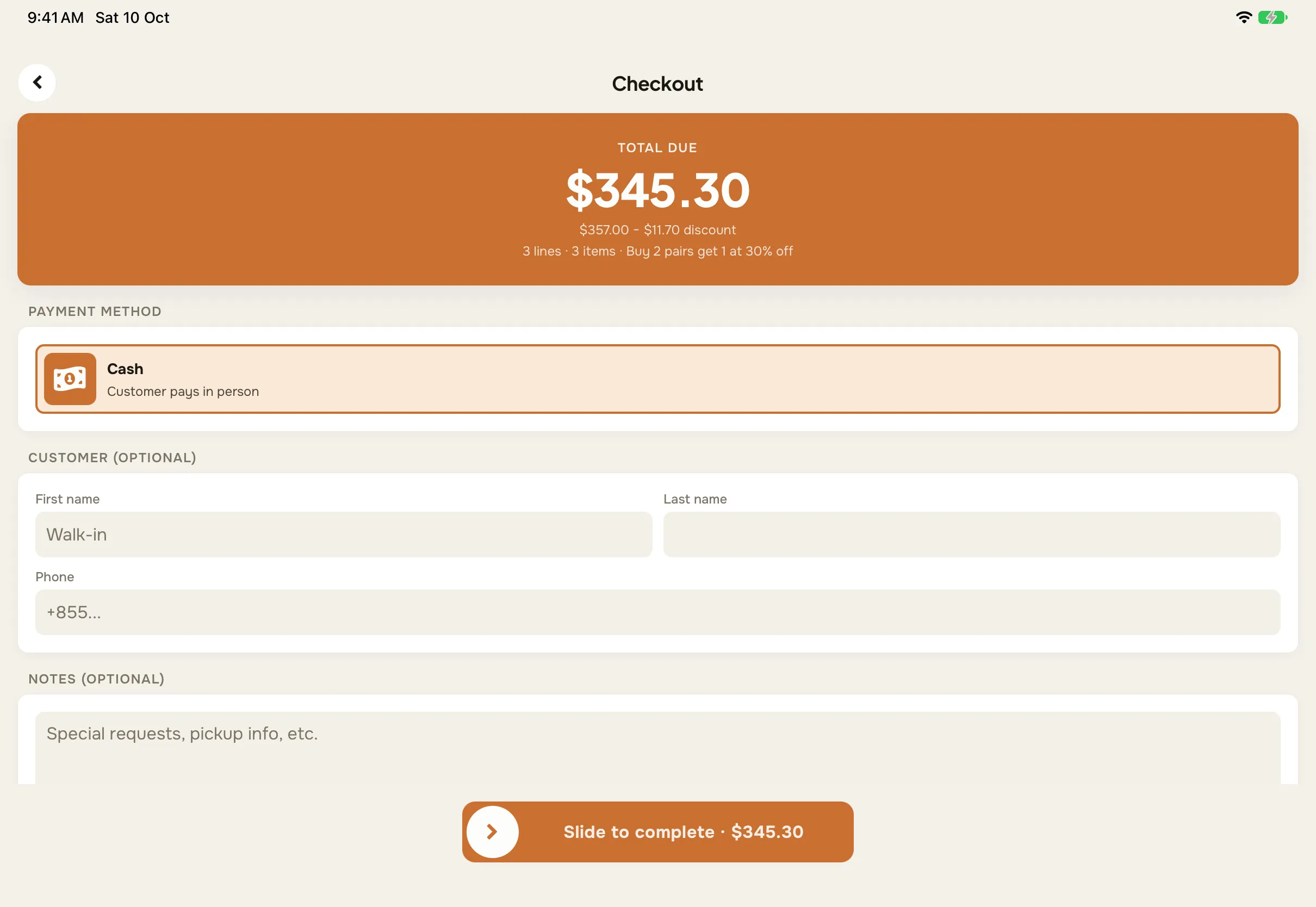
Tap products into the sale, adjust quantities, and charge in a couple of taps.
Cash and KHQR
Take cash, or show a KHQR code for ABA PayWay when your shop has it set up.
Receipts to any chat
Share a PDF receipt to Telegram, WhatsApp or email from the sale screen.
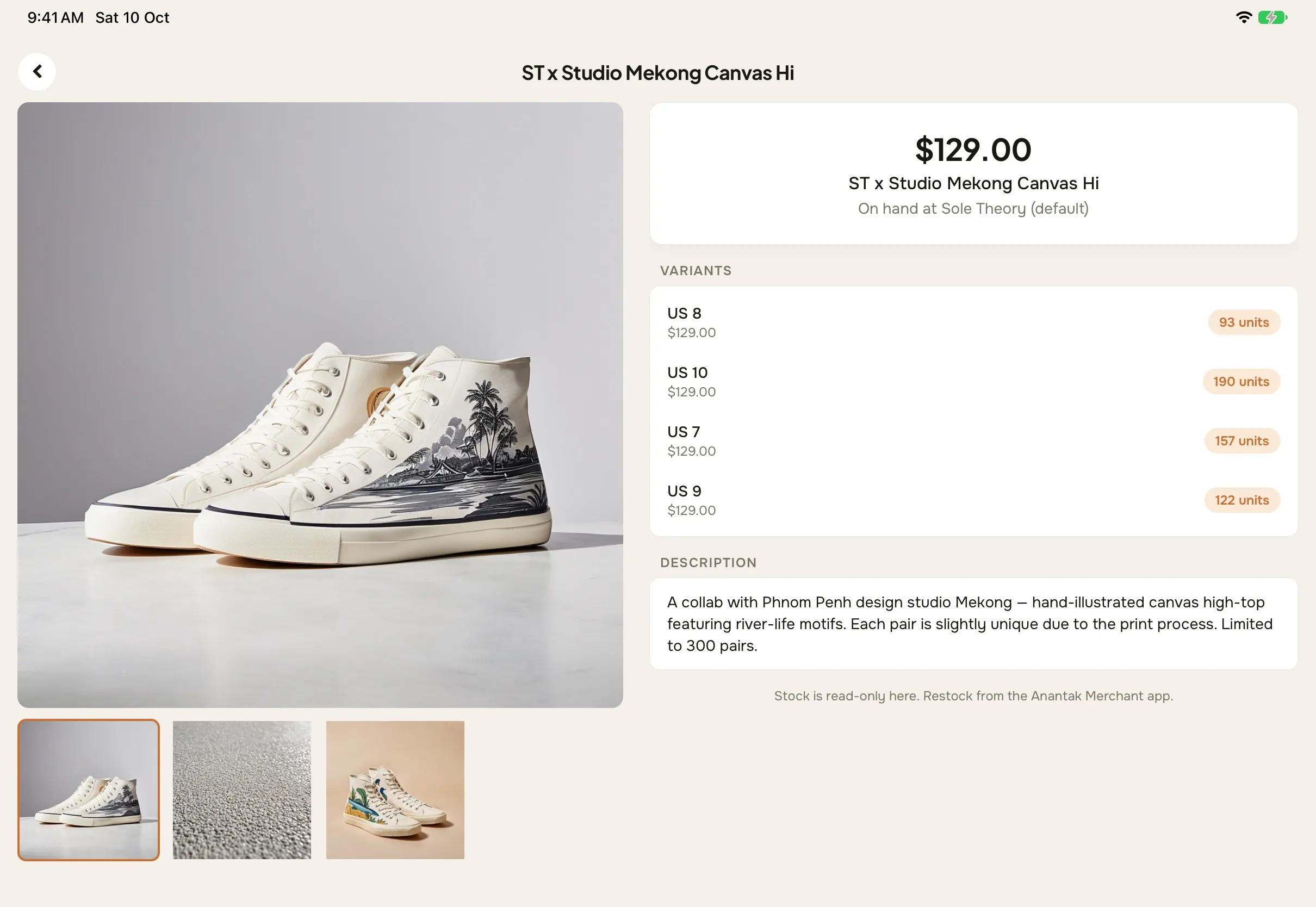
Stock on hand
Check and adjust stock for the location you're selling from.
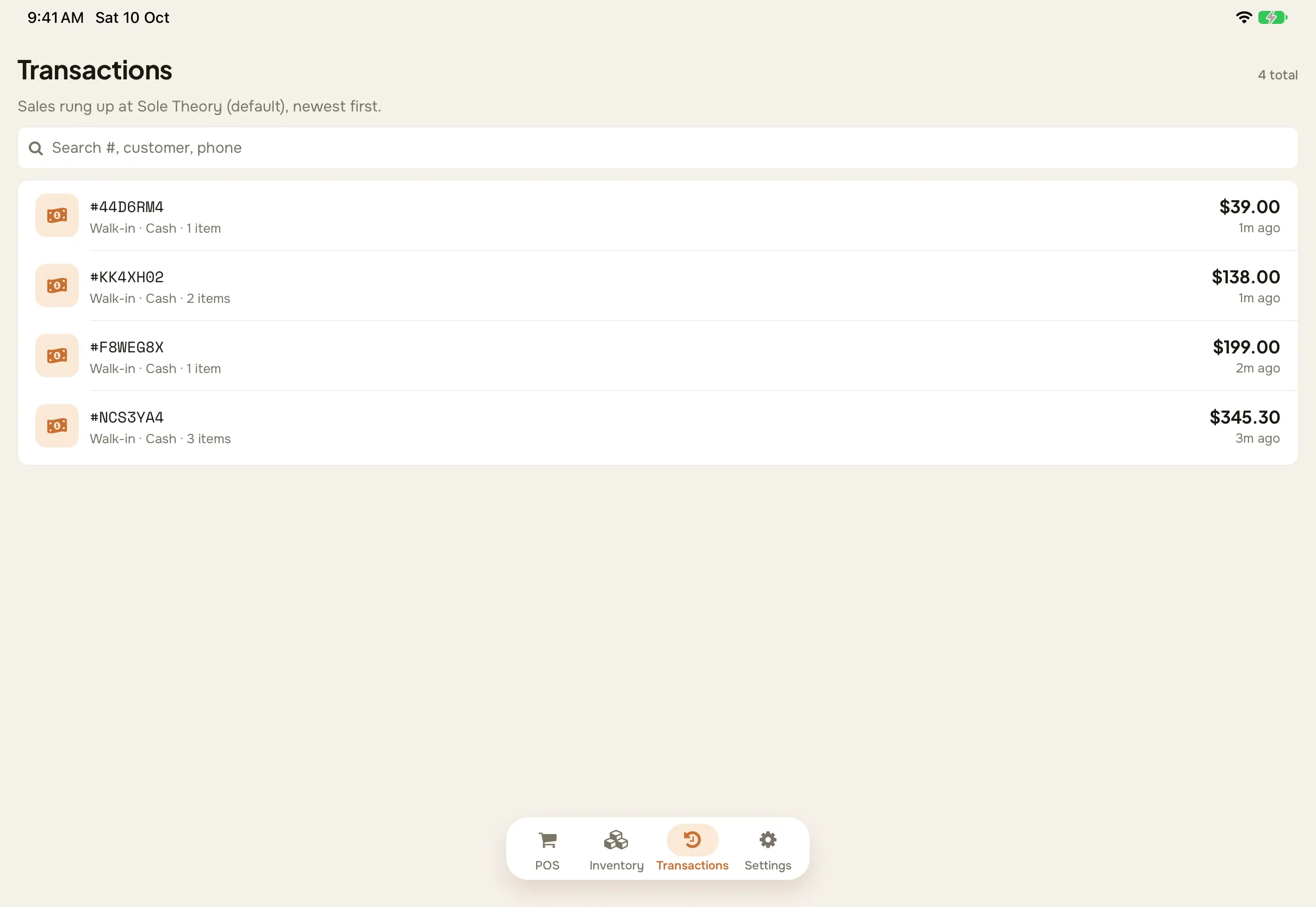
Sales history
Look up past sales and their receipts from the transactions tab.
Multiple locations
Each register sells from its own location, with one catalogue across them all.
How it works
Set up a register in minutes
- 1
Install Anantak POS
Get the app on an iPad, Android tablet or phone.
- 2
Sign in
Use the same staff account as the merchant portal, then pick your shop and location.
- 3
Sell
Your catalogue is already there. Add items to the sale and choose how the customer pays.
- 4
Share the receipt
Send the receipt as a PDF, and the sale shows up in your reports straight away.
One business
The counter and the online store, in one place.
POS sales and online orders share the same products, the same stock and the same reports, so you're never reconciling two systems.
Shared inventory
A sale at the counter updates the stock your online store shows.
One set of reports
Sales by channel, staff, location and payment method, side by side.
Staff roles
Owners, admins, managers and staff each see what their role allows.
Anantak Vision
Where it's enabled, the register's camera can recognise products for you.
Questions
What devices does Anantak POS run on?
iPads, Android tablets and phones. Install the app and sign in with your staff account.
How do customers get a receipt?
The register creates a PDF receipt you can share to the customer's Telegram, WhatsApp or email.
Can I take KHQR payments at the counter?
Yes, once ABA PayWay is set up for your shop. Cash is always available.
Do POS sales show up with my online orders?
Yes. Every sale lands in the merchant portal and in your reports, alongside online orders.
Works with
Every Anantak product shares one catalogue, one set of orders and one team.
Grow without boundaries.
Whether you run one store or many, Anantak Commerce gives you the tools to sell more, work smarter and reach further.