Anantak eCommerce
Your own online store, on your own domain.
Build a storefront that looks like your brand, take payment by KHQR or on delivery, and manage every order in the same place as your shop counter.
Demo stores
See a store built on Anantak Commerce
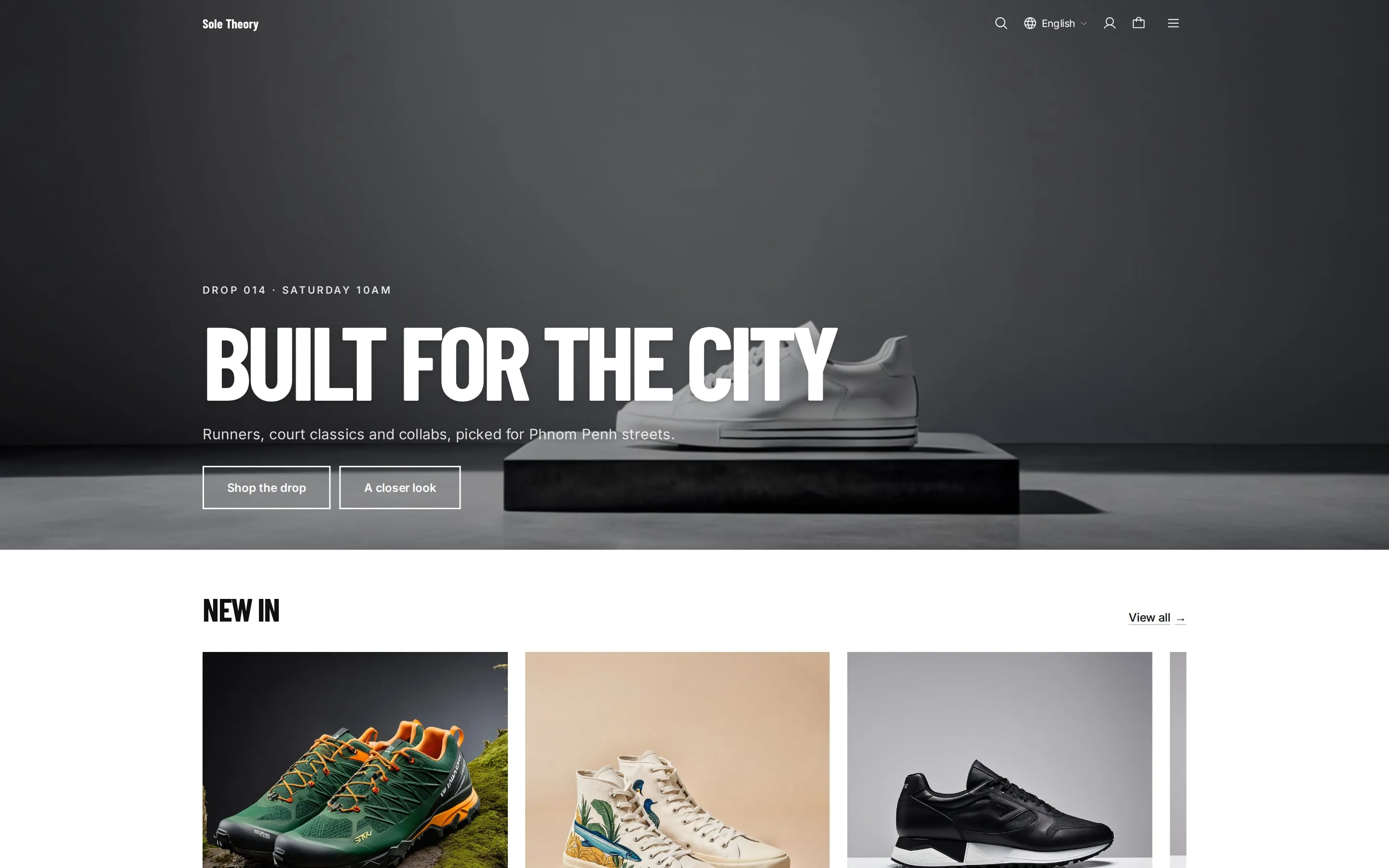
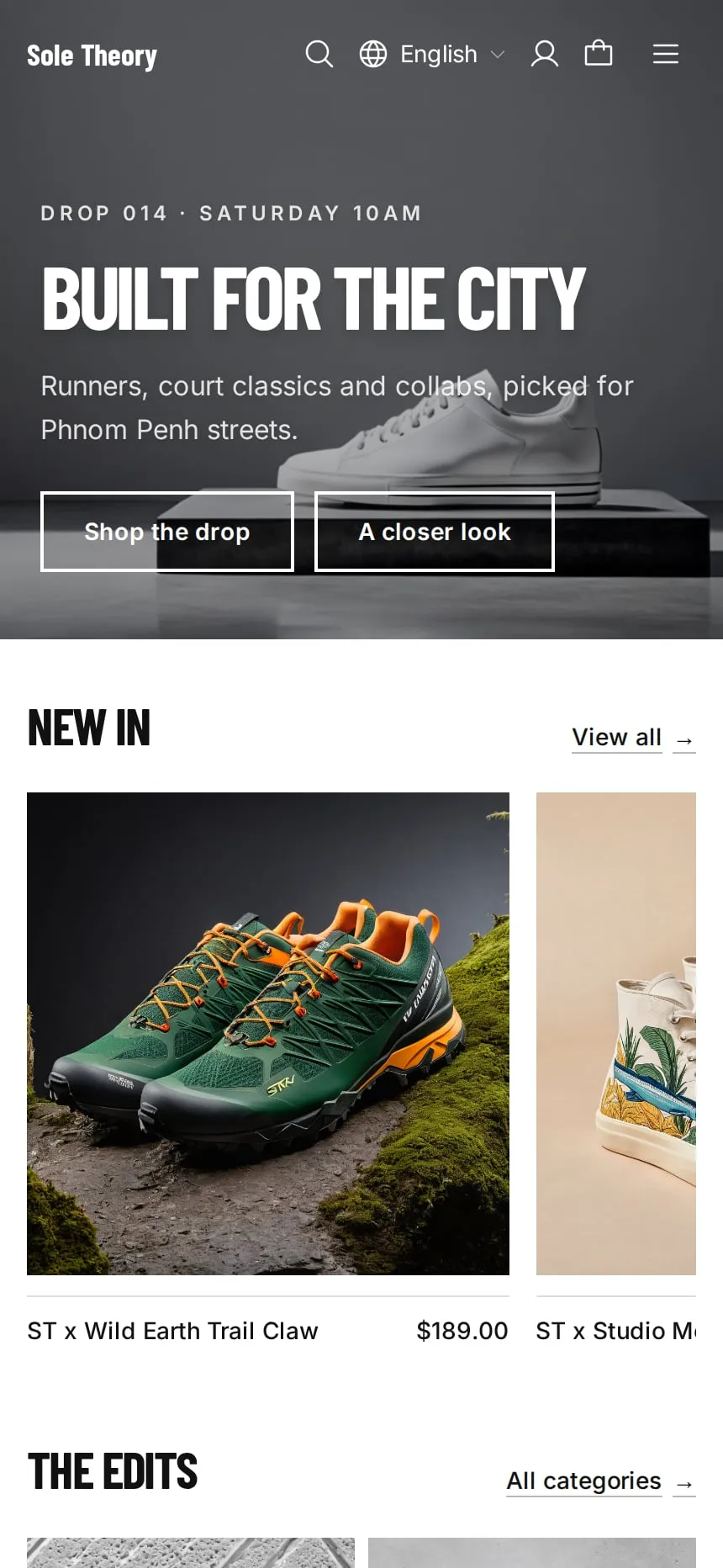
Eight demo shops, each with its own theme. Browse them, search, filter and add to cart, just as your customers would.
 Visit store
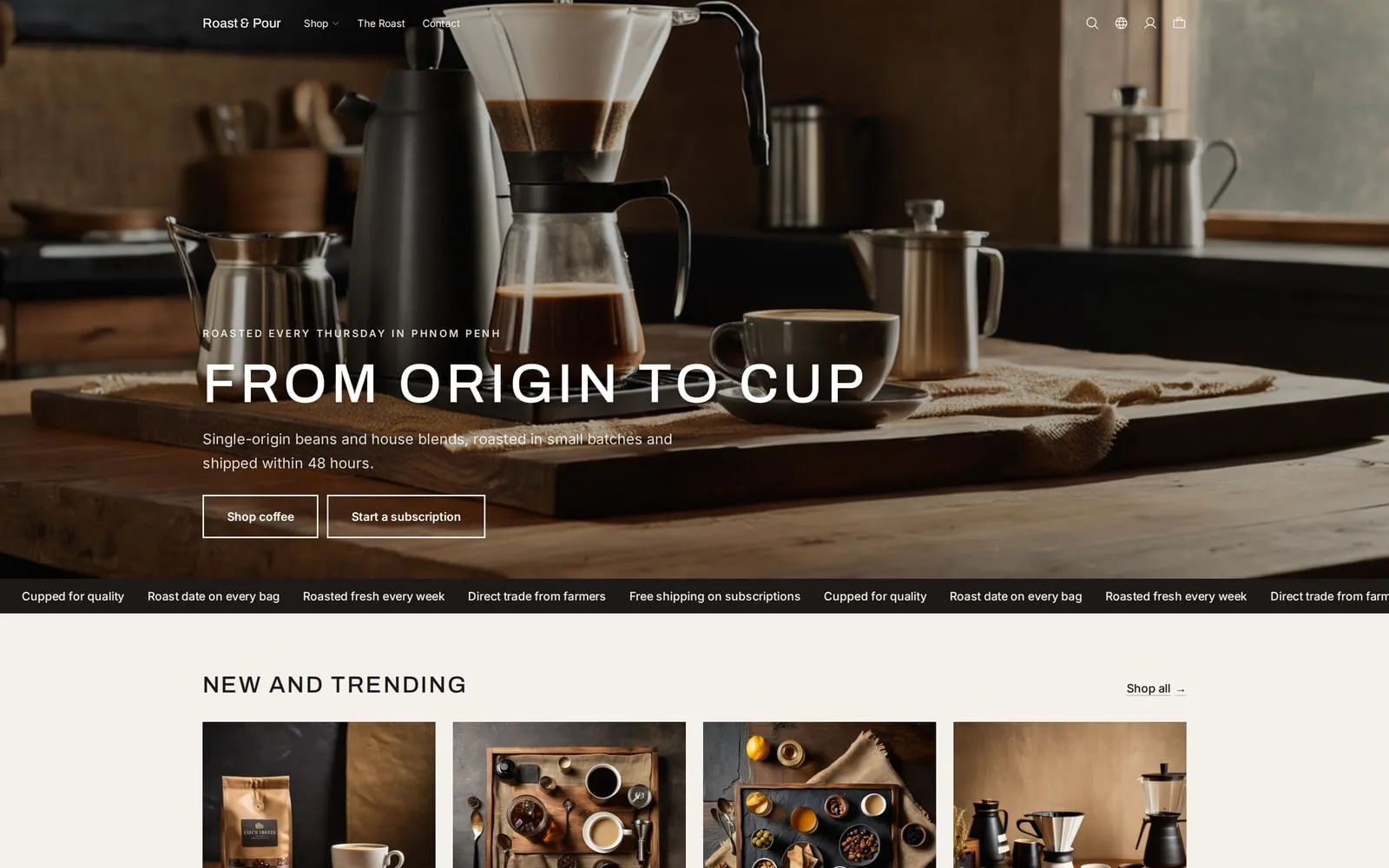
Roast & Pour
Coffee roaster
 Visit store
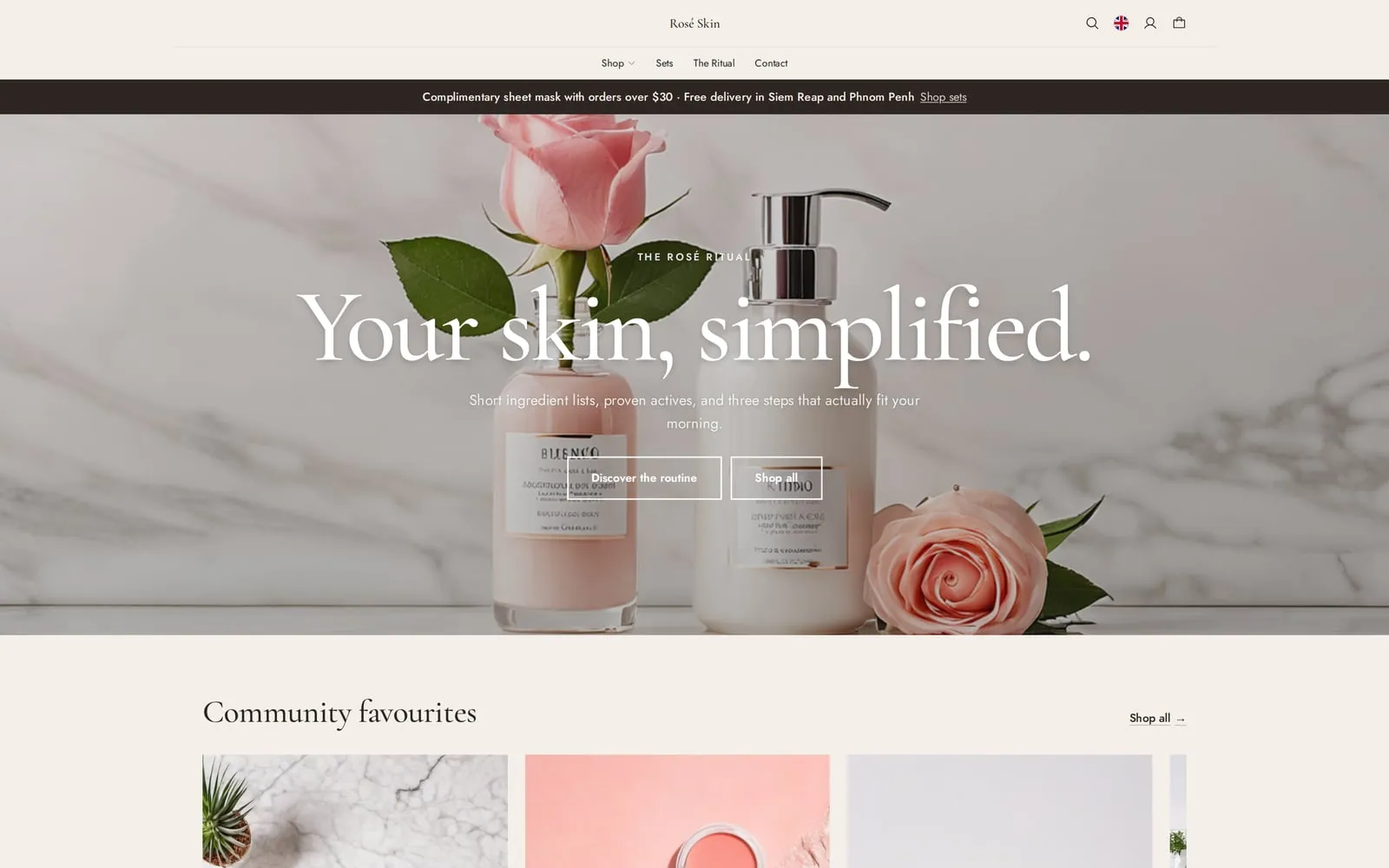
Rosé Skin
Skincare
 Visit store
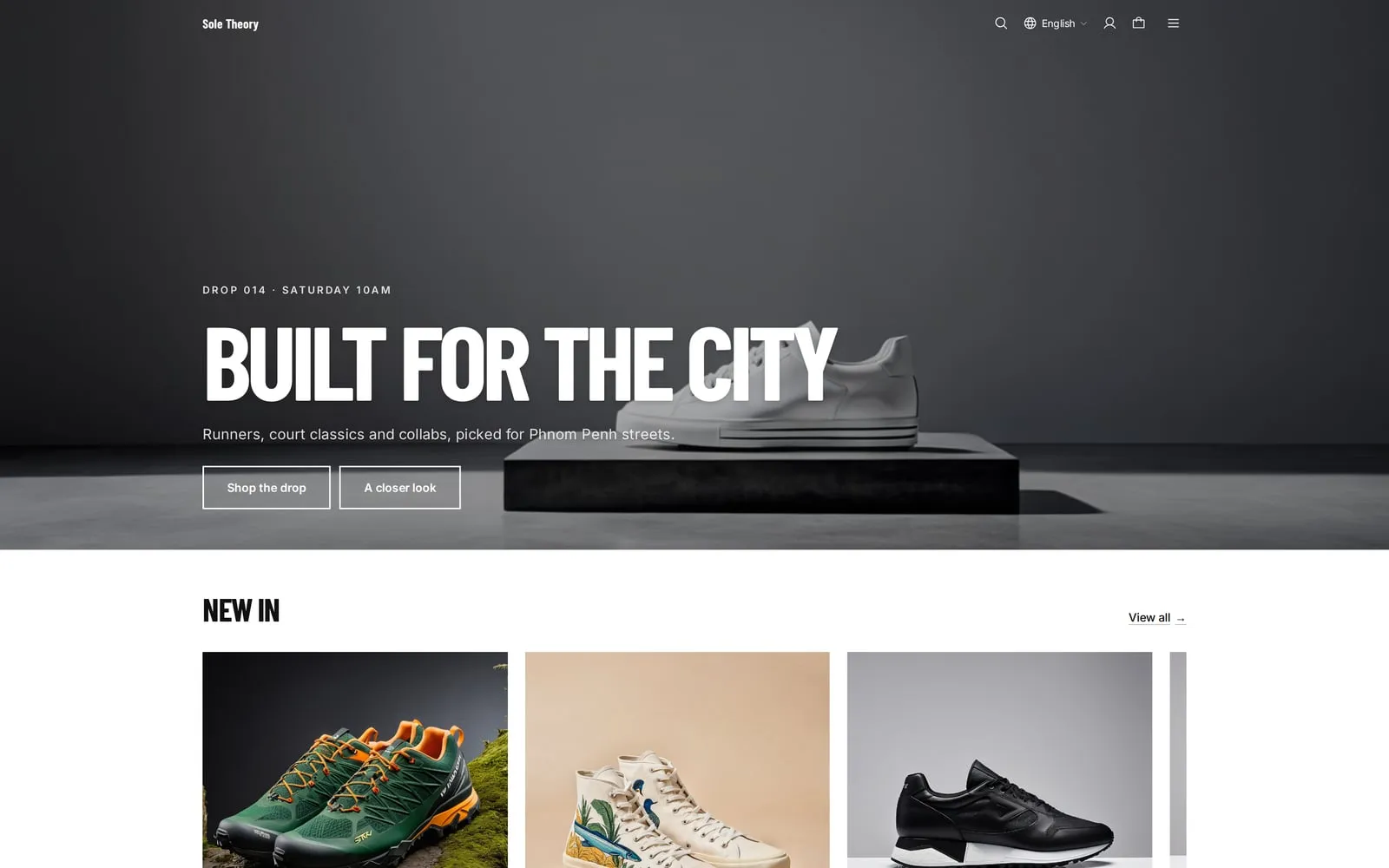
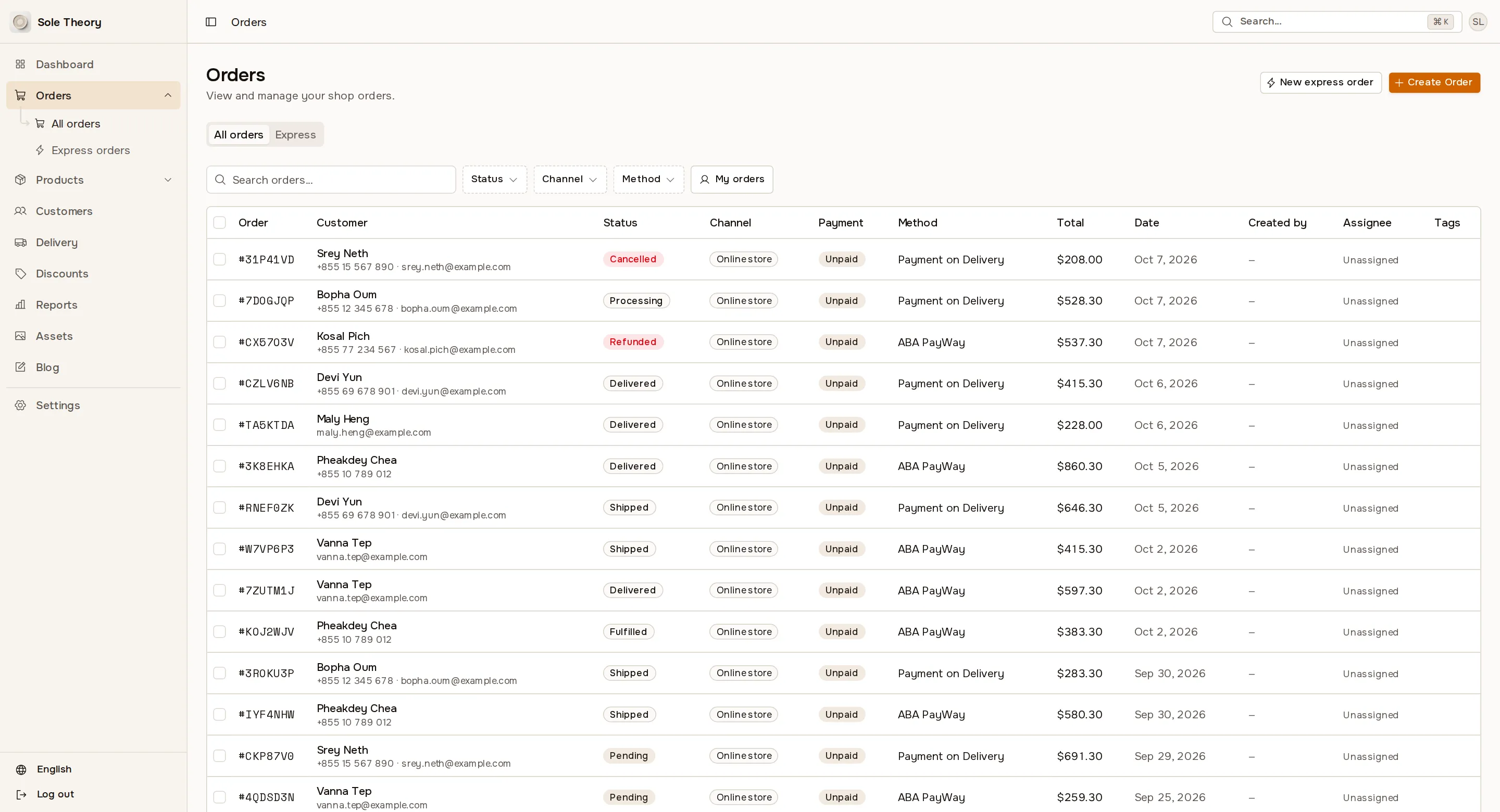
Sole Theory
Sneakers
 Visit store
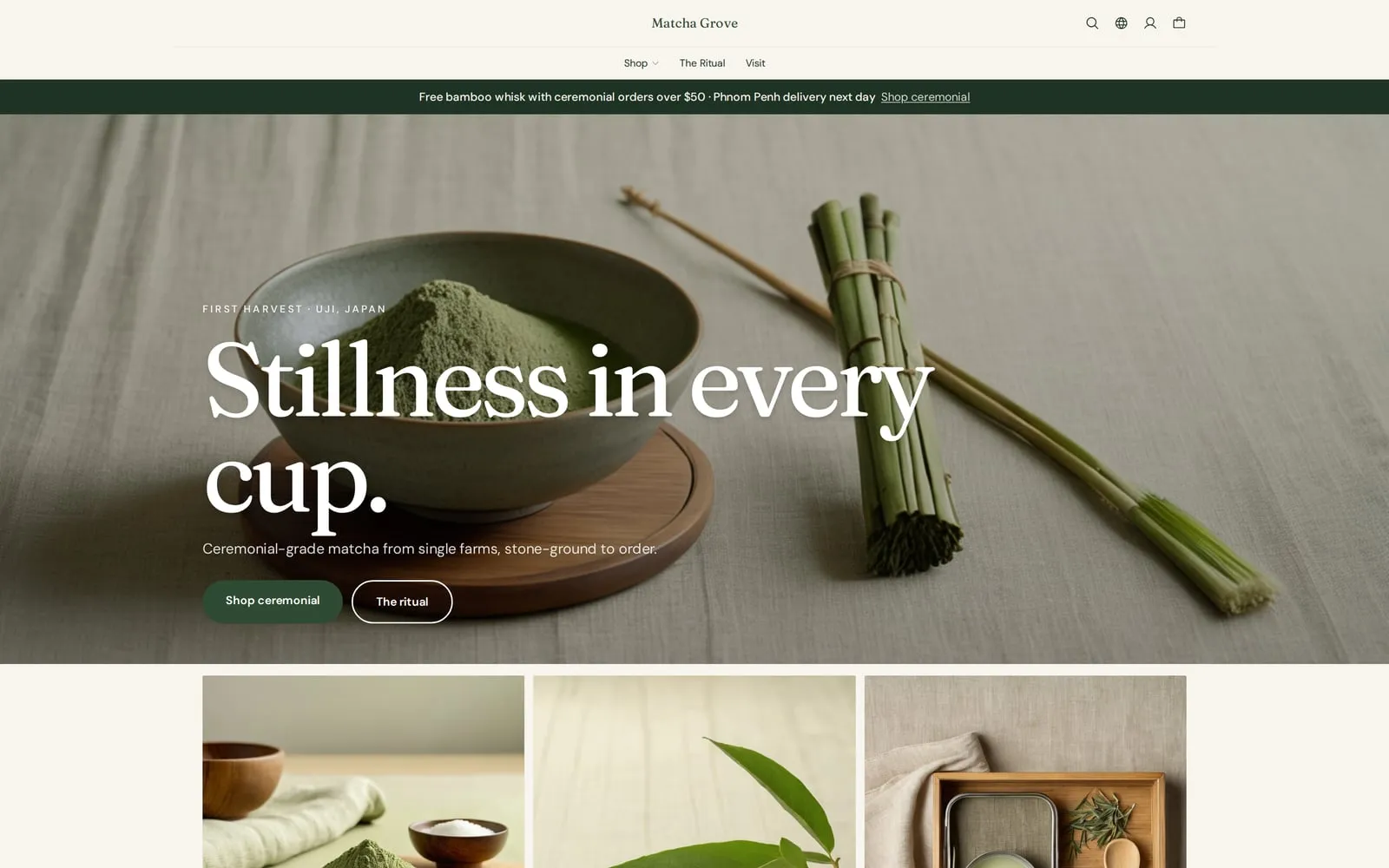
Matcha Grove
Matcha and tea
 Visit store
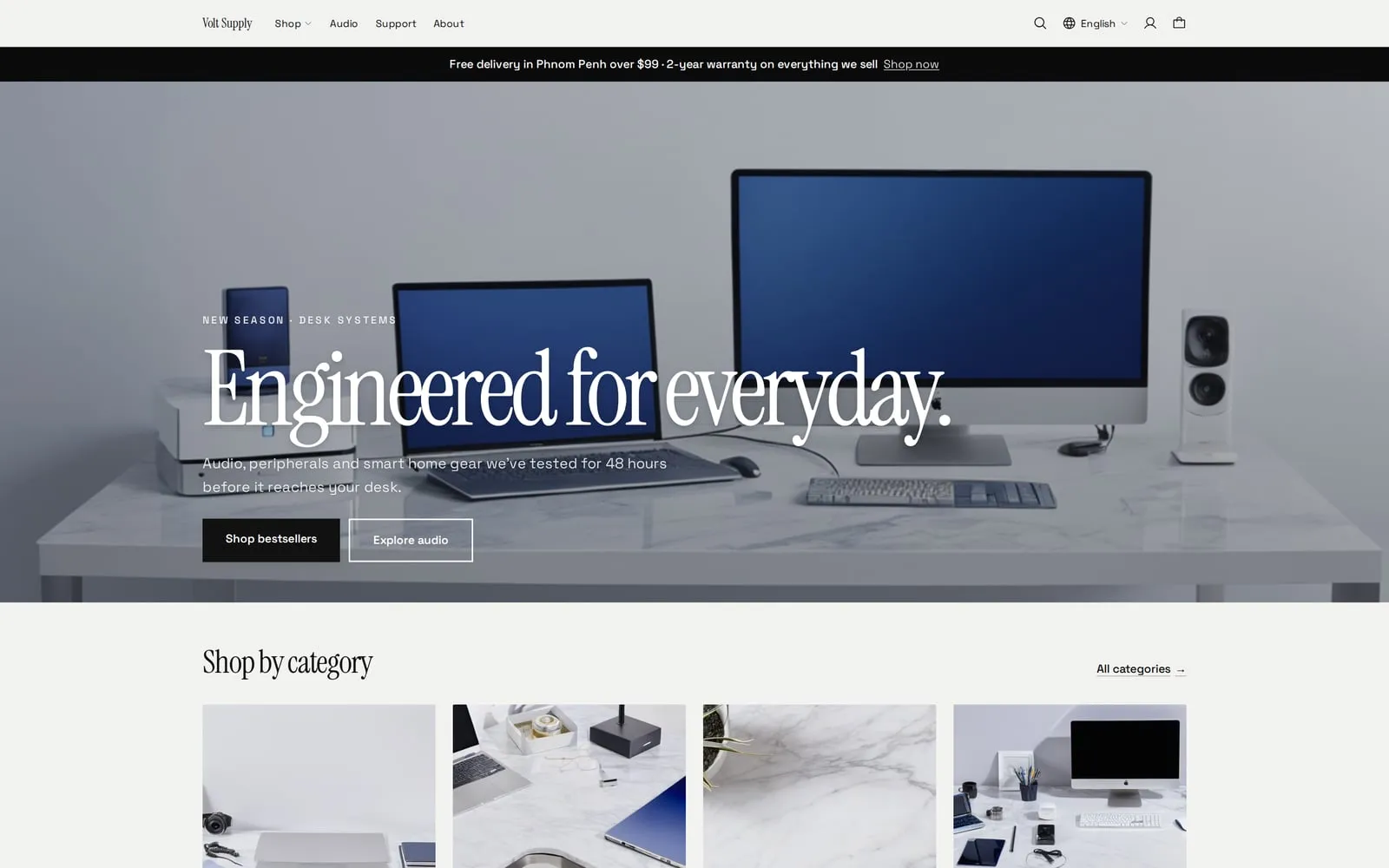
Volt Supply
Electronics
 Visit store
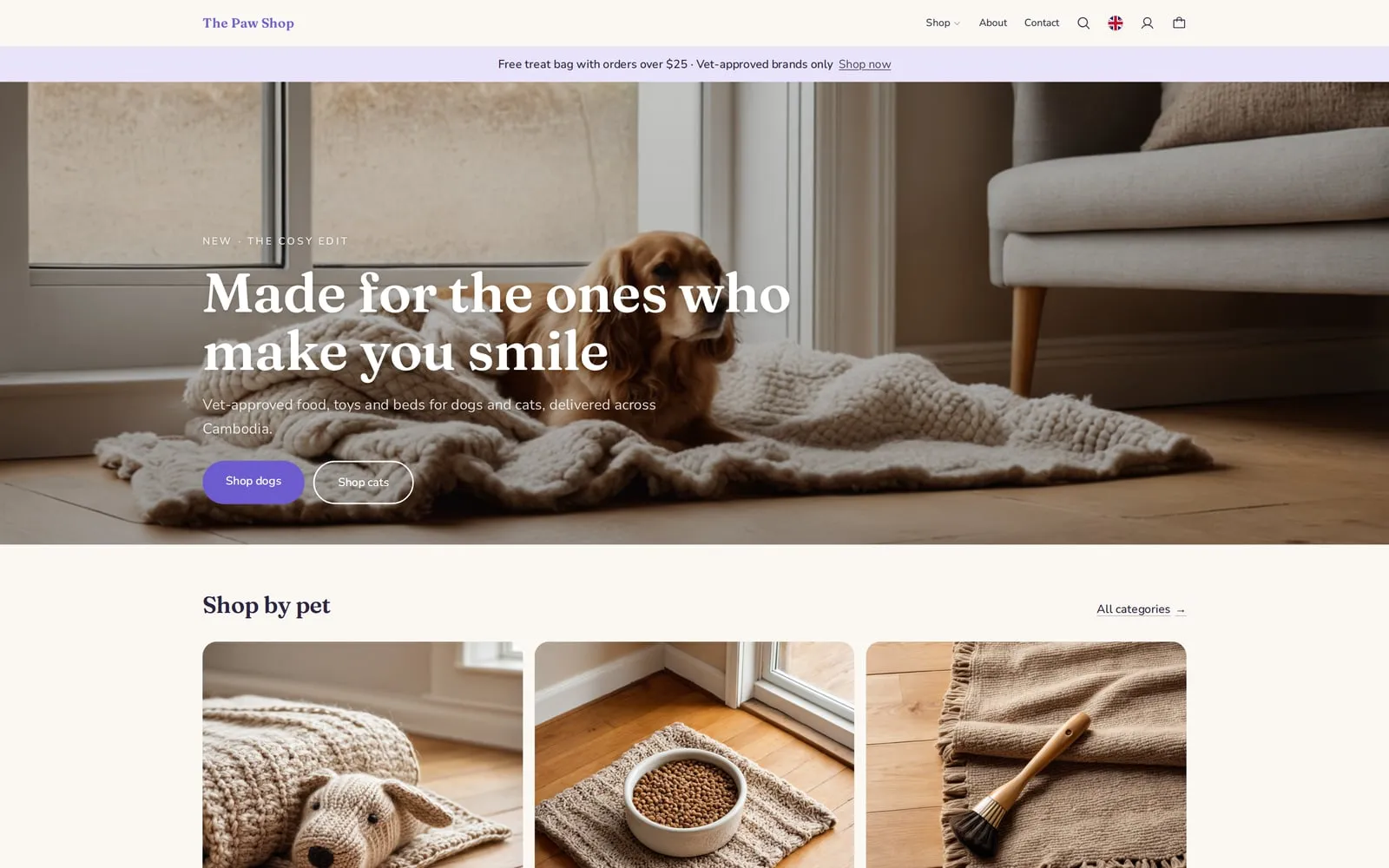
The Paw Shop
Pet supplies
 Visit store
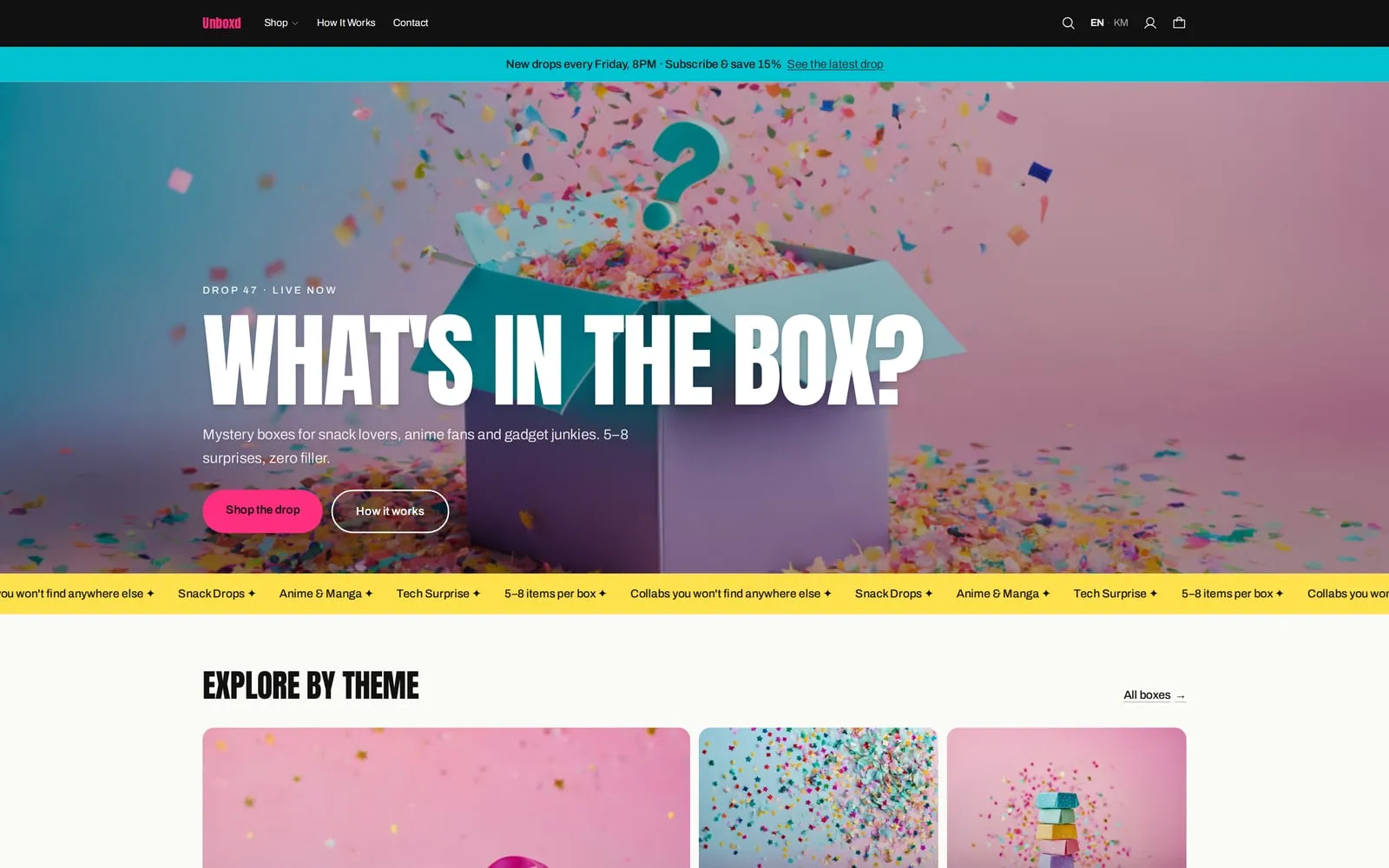
Unboxd
Mystery boxes
 Visit store
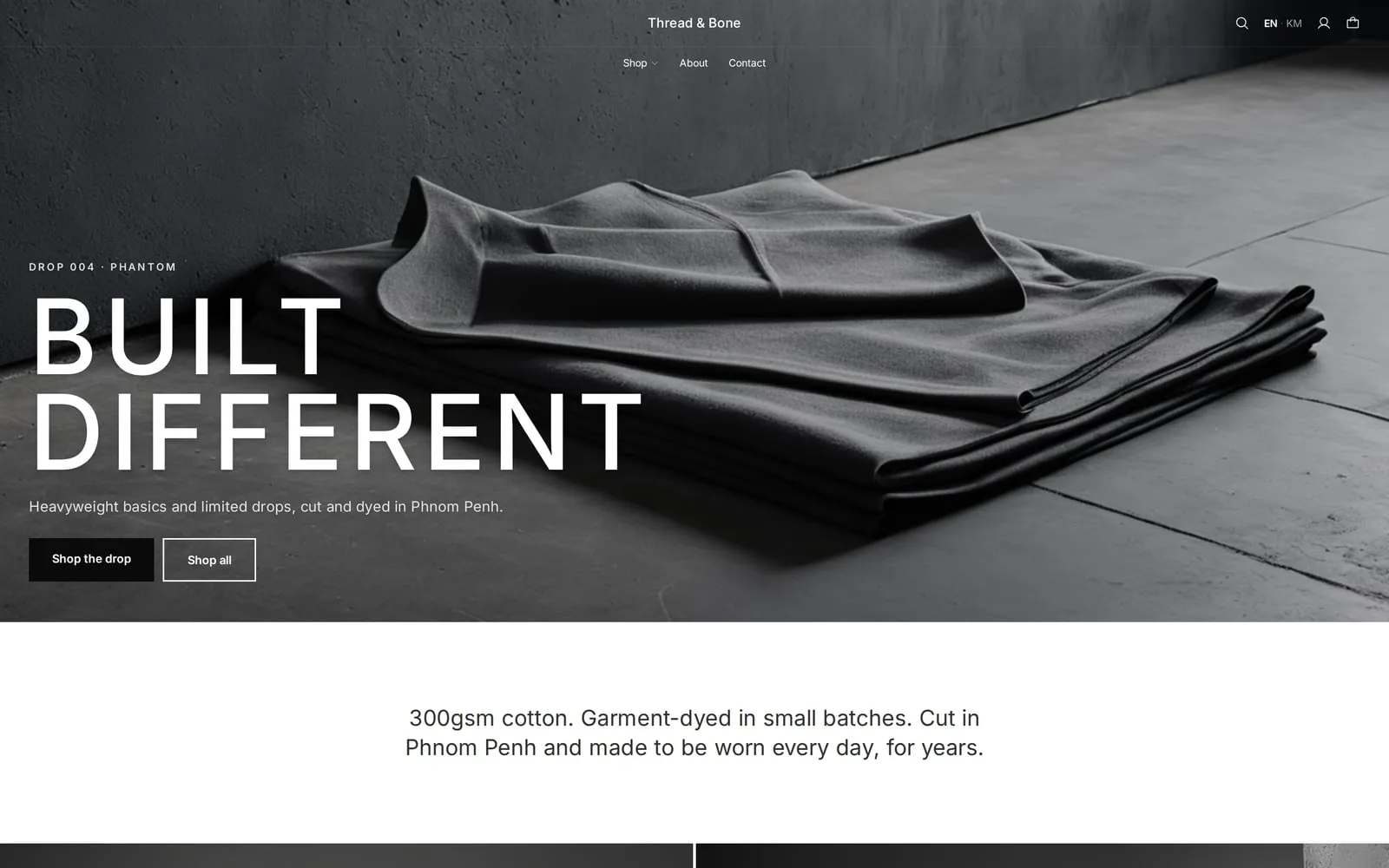
Thread & Bone
Apparel
Demo stores use sample products. Orders placed on them are not real.
What you get
Everything a store needs to sell online
Your own domain
Connect a domain you own. We set up and renew its SSL certificate for you.
Theme editor
Drag and drop sections, set your colours and fonts, and preview on desktop and mobile before you publish.
Local payments
Customers pay by ABA PayWay and KHQR, in US dollars or riel, or choose to pay on delivery.
Products and collections
Add products with photos and variants, group them into collections, and let customers search them.
Customer accounts
Shoppers sign in with a phone number, email, Google or Facebook, and see their orders and invoices.
Invoices and tax
Every order gets a PDF invoice with your tax settings, emailed to the customer when they buy.
How it works
From first product to first order
- 1
Add your products
Upload photos, set prices and stock, and sort products into collections.
- 2
Make it yours
Pick a layout in the theme editor and set your colours, logo and sections.
- 3
Connect your domain
Point your domain at your store; the certificate is issued automatically.
- 4
Take orders
Orders, payments and invoices arrive in the merchant portal, next to your POS sales.
Checkout
A checkout made for how Cambodia pays.
The order is only created once ABA confirms the payment, so a customer who closes the tab never leaves you with a half-paid order.
KHQR and ABA PayWay
Your own ABA merchant account, paid out directly to you.
Pay on delivery
Let customers pay the driver when the order arrives.
Phone verification
Optionally confirm a customer's phone number by SMS code before they order.
Order notifications
Confirmation emails to customers, and new-order alerts to your Telegram group.
Questions
Can I use a domain I already own?
Yes. Add it in the merchant portal and point it at your store. Until then your store has its own Anantak address.
Which payment methods can customers use?
ABA PayWay, including KHQR, and payment on delivery. Payments go to your own ABA merchant account.
Can customers pay in riel?
Yes, when dual currency is turned on for your shop. Contact Velon Innovations to enable it.
Is my online stock the same as my shop's?
Yes. Online orders and POS sales draw from the same inventory, so stock stays in step.
Works with
Every Anantak product shares one catalogue, one set of orders and one team.
Grow without boundaries.
Whether you run one store or many, Anantak Commerce gives you the tools to sell more, work smarter and reach further.